
Why Your Hermes Cron Job Fails When the Same Prompt Works Manually
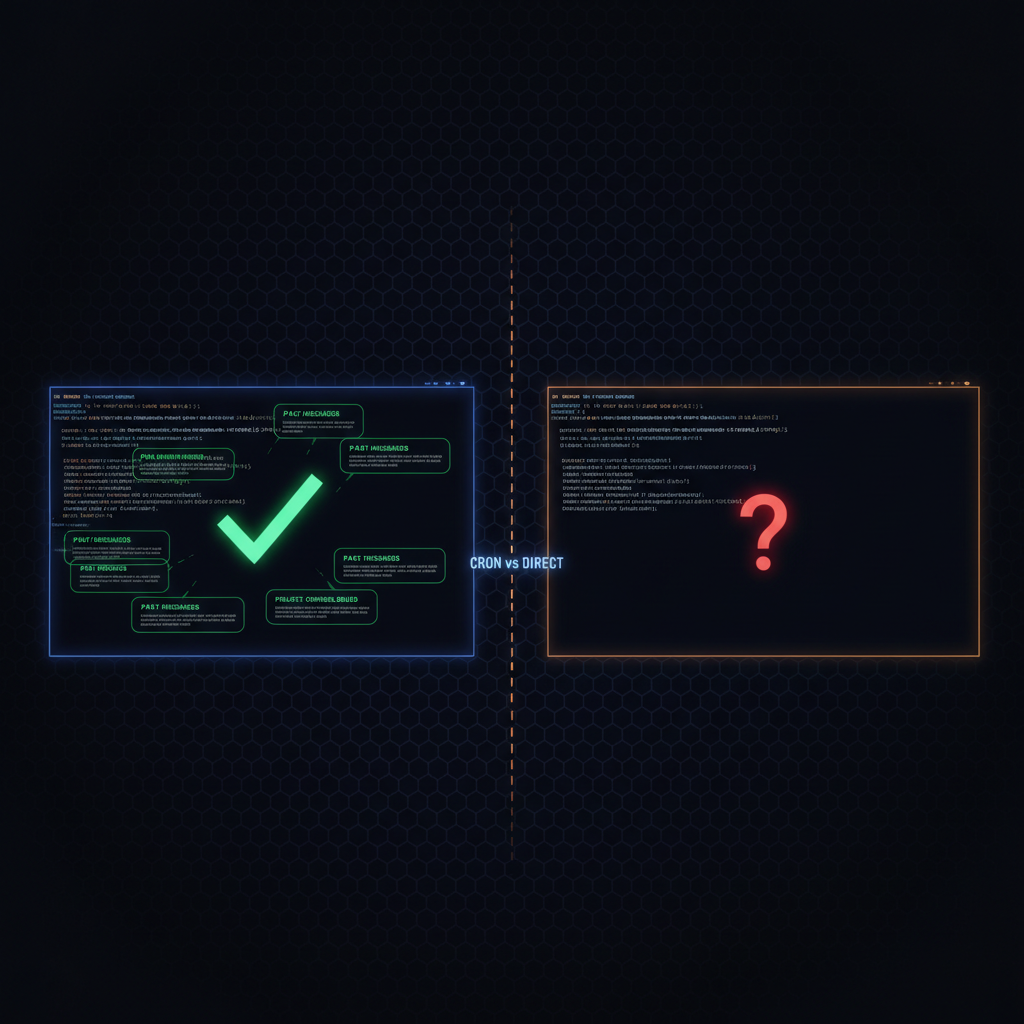
A common experience with Hermes: you craft a prompt, send it to the agent, and it works. You schedule that same prompt as a cron job, and it returns a different result. You check the cron syntax. You check the schedule. You re-read the prompt. Everything matches. The output does not.
Here is why, and how to fix it.
Two execution paths, one critical difference
When you send a message to Hermes directly, the agent has access to context accumulated over the entire session. It knows what you were working on ten messages ago. It knows your preferences from memory. It knows what directory you are in, what project you are building, and what you just finished debugging. The prompt you type is the final sentence of a much longer conversation, not the entire instruction.
When a cron job fires, the agent wakes up in a brand new session. Memory is injected, so durable preferences, environment facts, and project conventions you have saved are present. The conversation history, the in-progress work, the files you had open, and the specific context of what you were doing when you wrote the prompt are all gone. The prompt is now the complete instruction, and it needs to be self-contained.
This is the difference between an interactive agent and a scheduled worker.
What the direct session gives you that cron does not
A direct session carries several layers of implicit context:
Conversation history. If you said "I am working on the Classy Closets project" three messages ago, the agent knows that. If you debugged an API error together and then asked it to write documentation, the documentation references the fix it just built with you. None of this exists in the cron session.
Working directory. Your manual session is in a specific project directory. The agent sees that and works within it. A cron job starts wherever the scheduler puts it, unless you explicitly set workdir.
Ambient state. You have a terminal session with running processes, recent output, and a sense of what is broken and what is working. The cron agent has the prompt, the tools, and memory, and nothing else.
Tool state. Your manual session may have a browser tab open, a server running in the background, or a recently executed command that established state. The cron session starts cold.
How to write a cron-safe prompt
Every cron prompt must stand alone. Here is a template:
[What is the goal, in one sentence.]

[Context that would otherwise come from conversation history.
What project, what file paths, what you were doing.]

[Specific instructions.]

[Expected output format or deliverable.]
A cron prompt that assumes too much: "Write up the API changes."
A cron prompt that stands alone: "Read the file at ~/projects/api-service/CHANGELOG.md and write a blog post summarizing the changes in the last 30 days. The post should be 400-600 words, technical but accessible. Save it to ~/projects/catlabs/content/blog/api-changelog-may.md. The frontmatter format is identical to other posts in that directory."
The first assumes the agent knows which API, which project, what format, and where to save. The second leaves nothing to inference.
When to use workdir and context_from
Cron jobs have two features for bridging the context gap:
workdir sets the working directory for the job. When set, the agent also picks up any AGENTS.md, CLAUDE.md, or .cursorrules files in that directory, which inject project context.
context_from lets you chain jobs by piping the output of one into the prompt of another. If Job A scrapes data and Job B processes it, Job B can reference Job A's last output. Each job builds on the one before it.
The "pretend I am here" instinct
The tweet that prompted this post, from @soychotic, ended with: "I think I am gonna have to create a cron job that instead says 'pretend I am here and I have just sent you this file as a prompt.'"
This captures the core issue. A manual session carries context that a cron session does not: what you were working on, which files are relevant, what problems you were solving. Put that context into the prompt. If you mentioned it in the conversation, include it in the cron prompt. If you opened a file, include the file path. If you were debugging something, describe what was broken. If the agent needs to know a format, specify it.
Cron jobs run with less context than manual sessions. Write the prompt so it contains everything the agent needs to know.