
Agent Install Monitor Brings Git-Style Auditing to Hermes Environment Changes
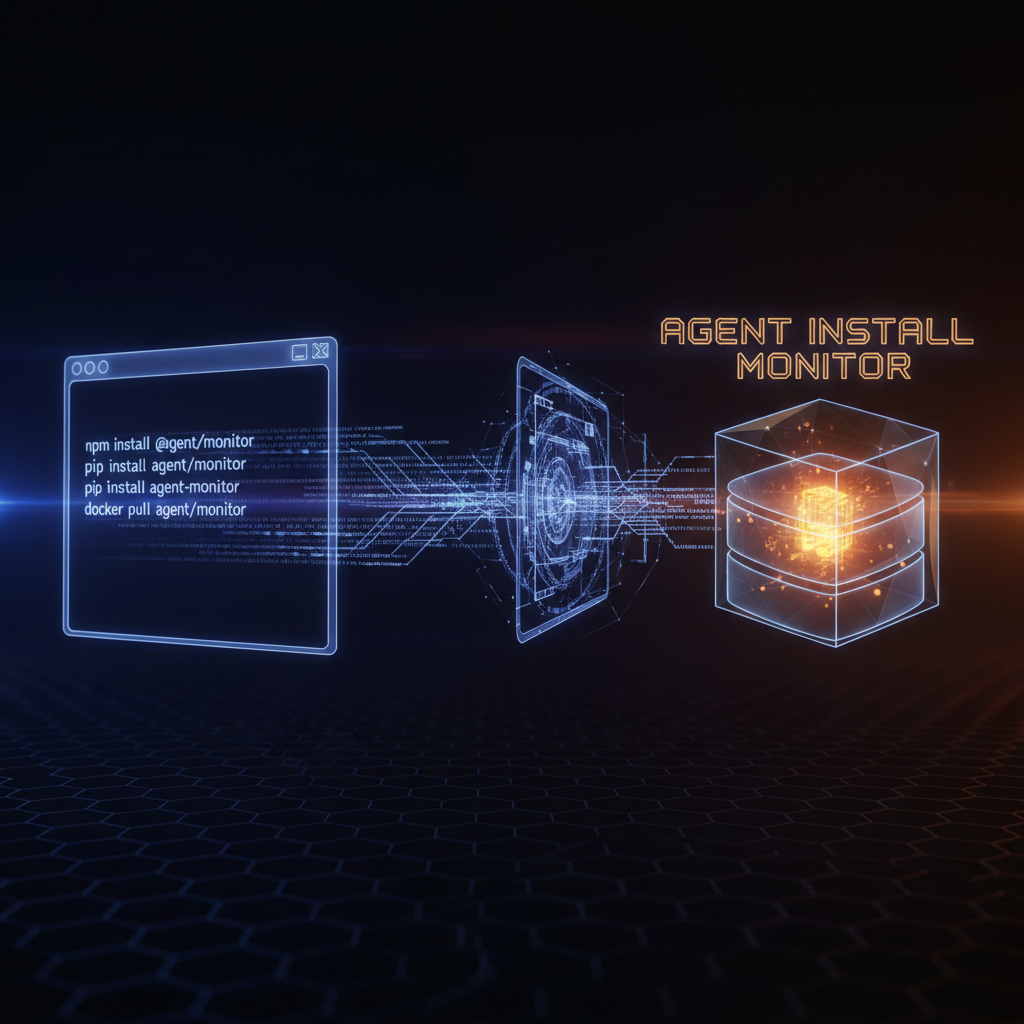
When an AI agent installs packages, pulls Docker images, or clones repositories on your machine, it leaves no audit trail. Source code has Git. Shell history is noisy and unlinked to specific agent sessions. Chilarai published Agent Install Monitor on July 10 to fill that gap - a Hermes Agent plugin that records every installation action the agent performs through its terminal tool.
The idea is straightforward. The plugin hooks into Hermes's terminal_tool_use lifecycle, inspects each command before it executes, and writes a structured record to a local SQLite database when the command matches a known installation pattern. No telemetry, no cloud service, no accounts. The database lives at ~/.hermes/agent-monitor/monitor.db.
What it tracks
The plugin detects installation actions across seven categories:
| Category | Commands detected |
|---|---|
| Package managers | npm, pnpm, yarn, pip, uv, poetry, cargo, go, brew, apt, dnf, apk, gem, composer, dotnet, nuget, choco, winget, scoop |
| Containers | docker/podman pull, docker/podman run, docker compose up |
| Git | git clone, git submodule add/update |
| Runtimes | npx, uvx, cargo run, go run |
| Services | systemctl start, brew services start, service start |
| Databases | createdb, CREATE DATABASE |
| Installer downloads | curl/wget fetching .sh, .exe, .pkg, .dmg, .deb, .rpm, .appimage, .msi |
Detection is done through command-string pattern matching - the plugin parses the command text before execution and classifies it. The author is explicit that this is best-effort matching, not a security boundary.
How it works
The plugin installs into Hermes's own virtual environment and registers a hook that fires on every terminal command. When Hermes runs a command like pip install playwright or git clone https://github.com/microsoft/playwright, the plugin intercepts it, classifies the action type, extracts the target (package name, image, repository URL), and writes a row to the SQLite database with the session ID, timestamp, command, and category.
After installation, you query the history from a regular terminal:
agent-monitor history          # most recent session
agent-monitor sessions         # list all recorded sessions
agent-monitor session <id>     # a specific session
agent-monitor export --format json  # machine-readable export
The output groups installations by category per session:
Session sess-8f3a21 [hermes]
Packages
  1. pip      playwright
  2. pip      openai
Containers
  1. docker   postgres:16
Repositories
  1. git      microsoft/playwright
Time: 2m 13s   Commands: 4
The CLI is separate from Hermes - you run it from your regular shell, not inside an agent conversation. This separation keeps the monitoring surface independent of the agent's own tool loop.
Architecture choices
The plugin makes several deliberate scope decisions. It does not modify command execution - it observes and records. It does not uninstall anything or perform rollback. It does not secure the machine. As the author puts it: "Its only job is to answer: what did my AI agent install?"
The database is a single SQLite file with no external dependencies. All data stays local. The CLI tool (agent-monitor) is installed alongside the plugin into Hermes's venv, so it inherits the same Python environment without requiring a separate install step.
Why this matters
The problem is real and compounding. A developer might prompt Hermes to scaffold a Next.js project, set up a PostgreSQL database, and add authentication. The agent runs npx create-next-app, npm install with a dozen packages, docker pull postgres:16, pip install for Python tooling, and a git clone for a utility library. Two weeks later, the developer wonders why Playwright's browser binaries are on disk. Shell history might show the command, but it will not show which agent session ran it or why.
The plugin narrows this gap. It does not give you full reproducibility - there is no rollback, no snapshot diffing, no environment comparison. But it answers the first question: what happened and when.
Installation
A one-line installer handles everything - it finds Hermes's venv, installs the plugin, enables it, and offers to put the CLI on your $PATH:
curl -fsSL https://raw.githubusercontent.com/swytchcodehq/agent-install-monitor/main/install.py | python3
Manual install is also supported by installing into Hermes's venv directly and enabling the plugin in ~/.hermes/config.yaml. The project is MIT-licensed and the repository is at swytchcodehq/agent-install-monitor.
[^1]: Chilarai. "I Built a Plugin to Track Everything Hermes Agent Installs." DEV Community. July 11, 2026. [^2]: Chilarai. "Agent Install Monitor." GitHub. Published July 10, 2026.